Day 13 - Advance Git & GitHub for DevOps Engineers
👋 Hey there! I'm Gayatri, I have completed a degree in Computer Engineering. I am extensively involved in the fields of DevOps and Cloud computing.
Git Branching
Git branching means you're making a separate line of work in your project — like creating a copy of your project to work on something new without changing the original.
main
  |
  o---o---o-----------------o   ← main
          \               /
           o---o---o---o     ← feature1
Git Revert and Reset
Git reset and git revert are two commonly used commands that allow you to remove or edit changes you’ve made in the code in previous commits. Both commands can be very useful in different scenarios.
Git Rebase and Merge
What Is Git Rebase?
Git rebase is a command that lets users integrate changes from one branch to another, and the commit history is modified once the action is complete. Git rebase helps keep a clean project history.
What Is Git Merge?
Git merge is a command that allows developers to merge Git branches while keeping the logs of commits on branches intact. Even though merging and rebasing do similar things, they handle commit logs differently.
Task 1: Feature Development with Branches
Create a Branch and Add a Feature:
Add a text file called
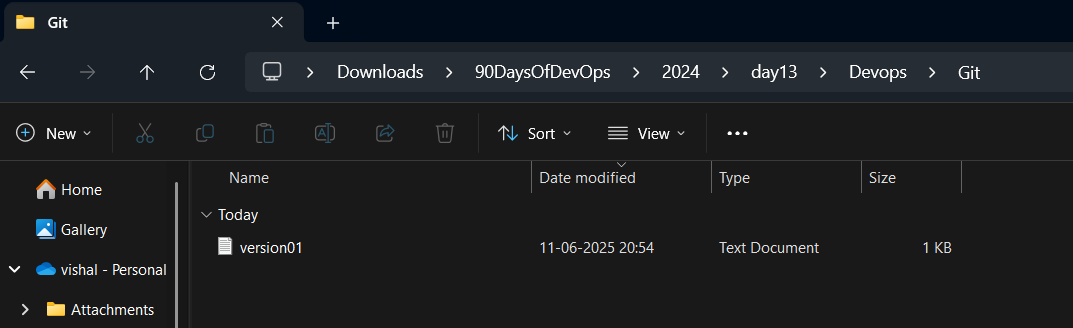
version01.txtinside theDevops/Git/directory with “This is the first feature of our application” written inside.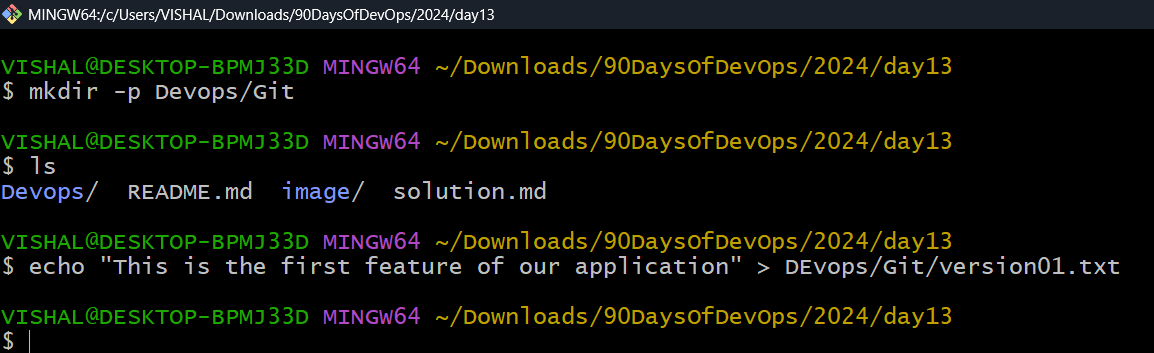
Create a new branch from
master.git checkout -b dev
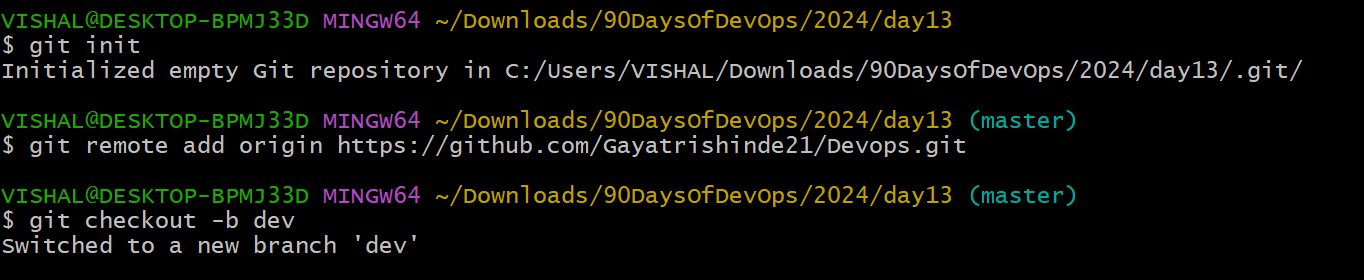
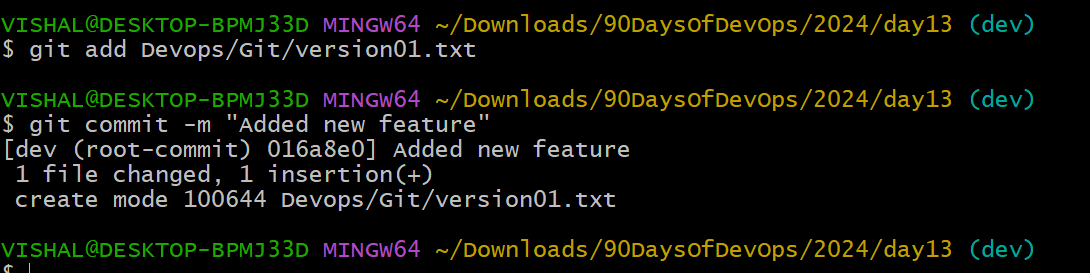
Commit your changes with a message reflecting the added feature.
git add Devops/Git/version01.txt
git commit -m "Added new feature"
- Push Changes to GitHub:
Push your local commits to the repository on GitHub.
git push origin dev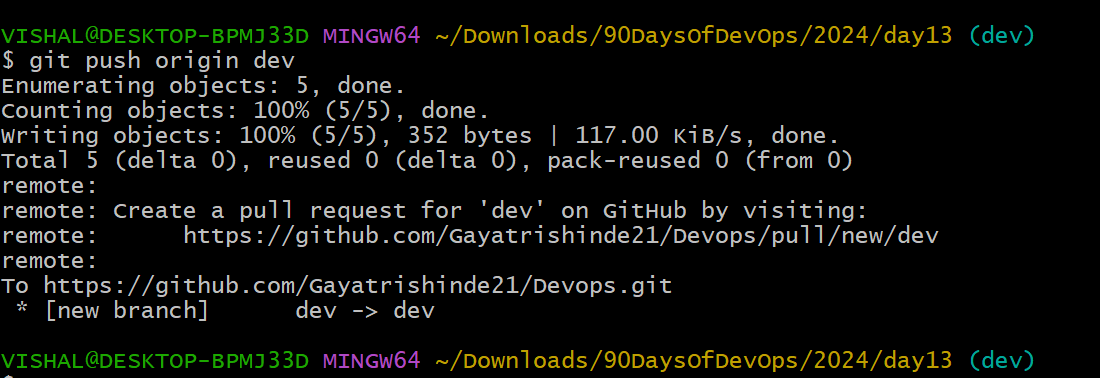
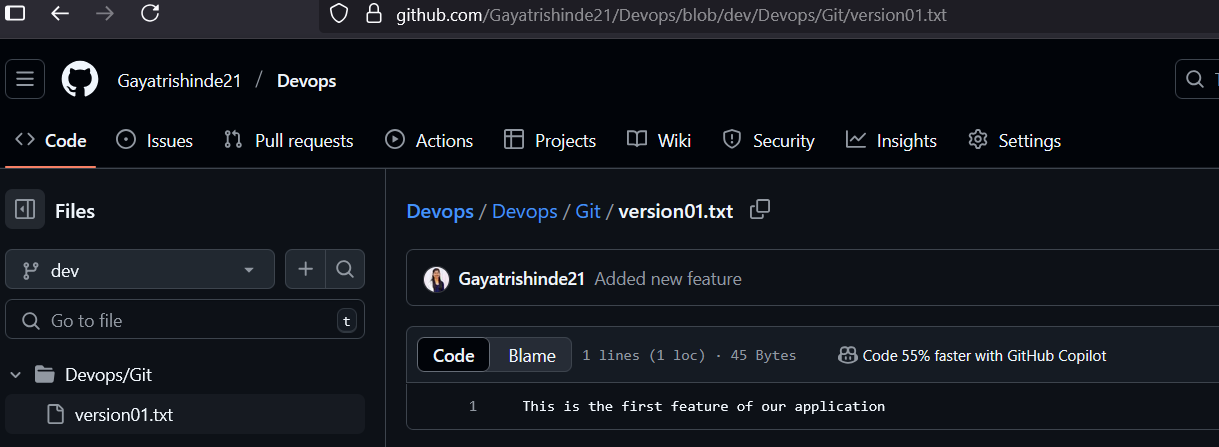
- Add More Features with Separate Commits:
Update
version01.txtwith the following lines, committing after each change:1st line:
This is the bug fix in development branchecho "This is the bug fix in development branch" >> Devops/Git/version01.txt git commit -am "Added feature2 in development branch"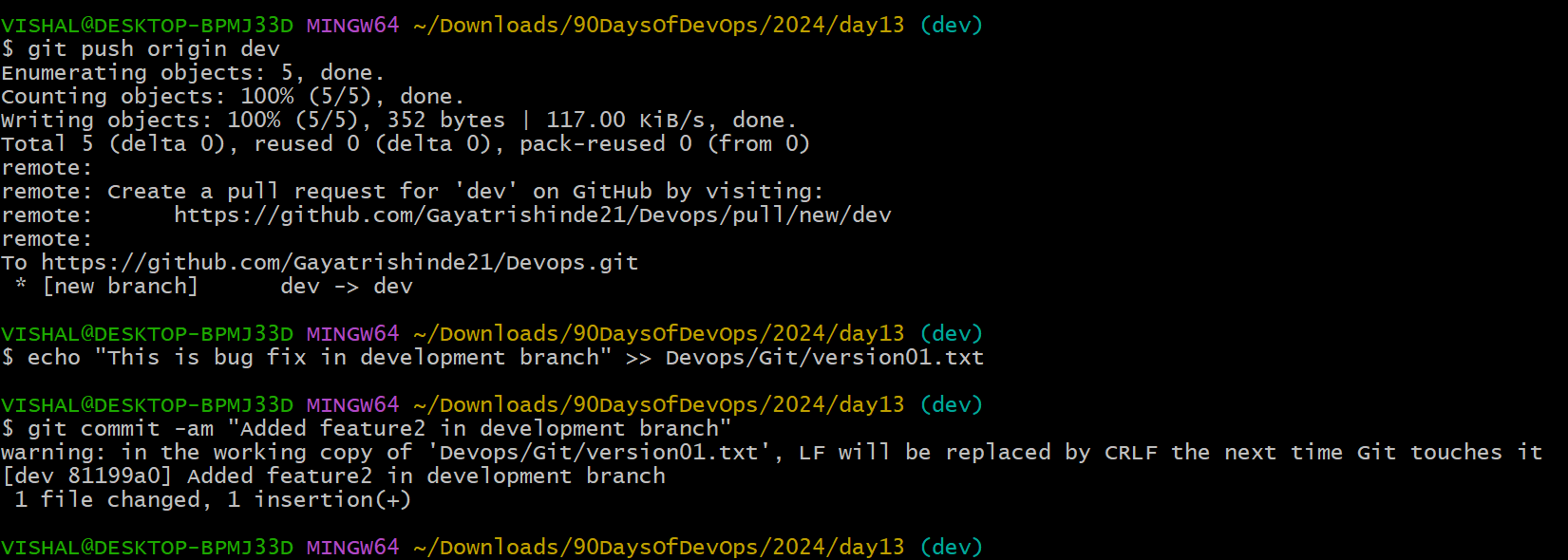
2nd line: This is gadbad code
echo "This is gadbad code" >> Devops/Git/version01.txt
git commit -am "Added feature3 in development branch"

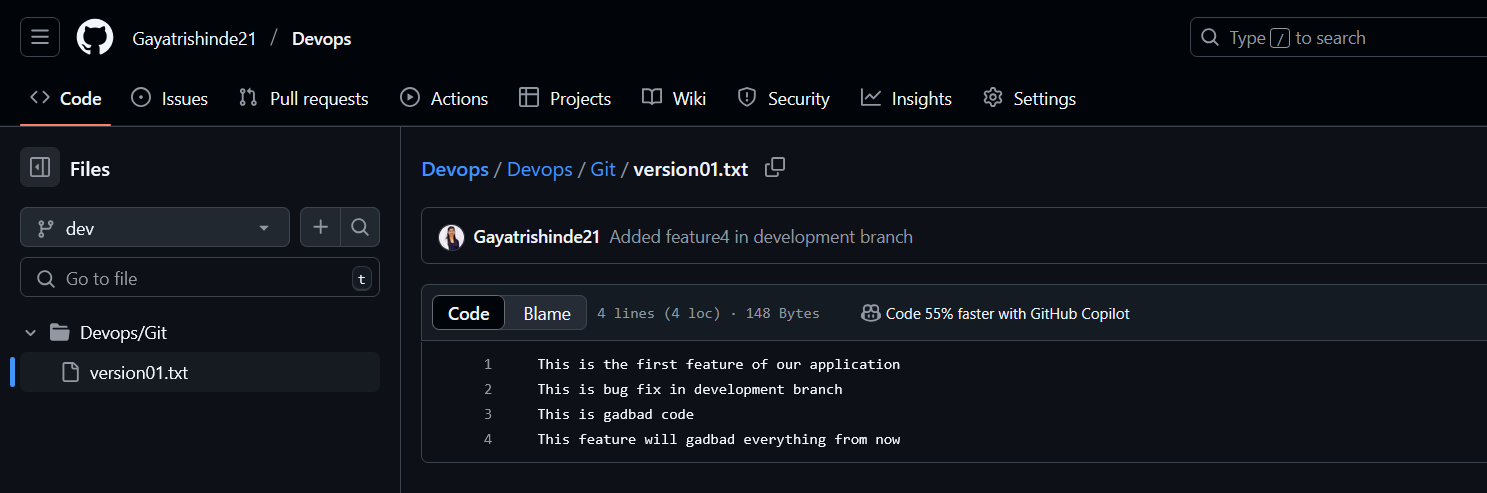
3rd line: This feature will gadbad everything from now
echo "This feature will gadbad everything from now" >> Devops/Git/version01.txt
git commit -am "Added feature4 in development branch"

Task 2: Working with Branches
- Demonstrate Branches:
- Create 2 or more branches and take screenshots to show the branch structure.


- Merge Changes into Master:
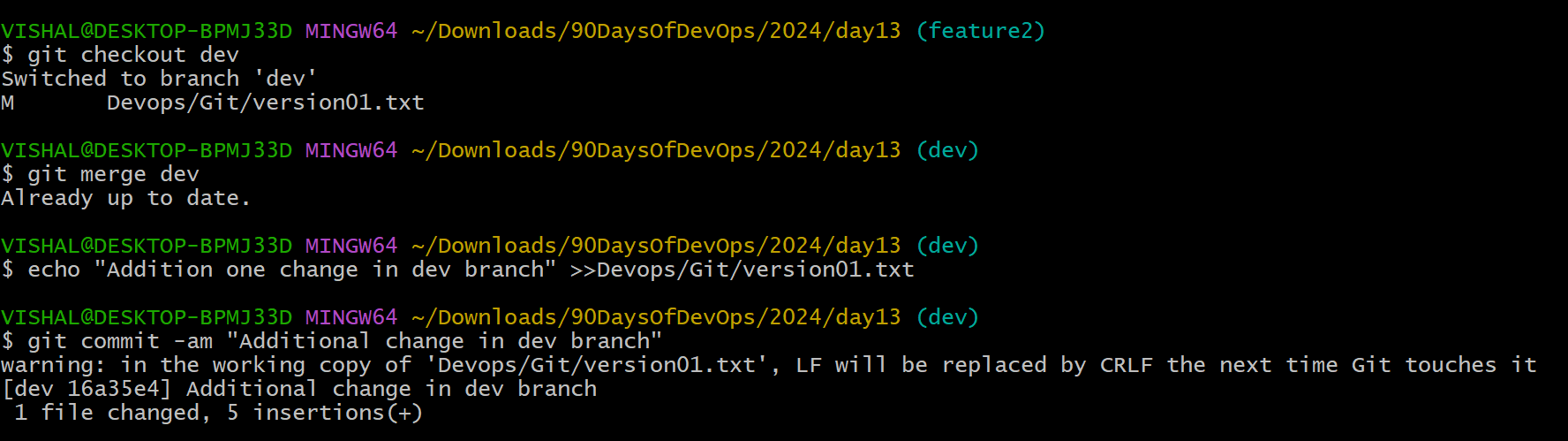
Make some changes to the
devbranch and merge it intomaster.git checkout dev git merge dev
- Practice Rebase:
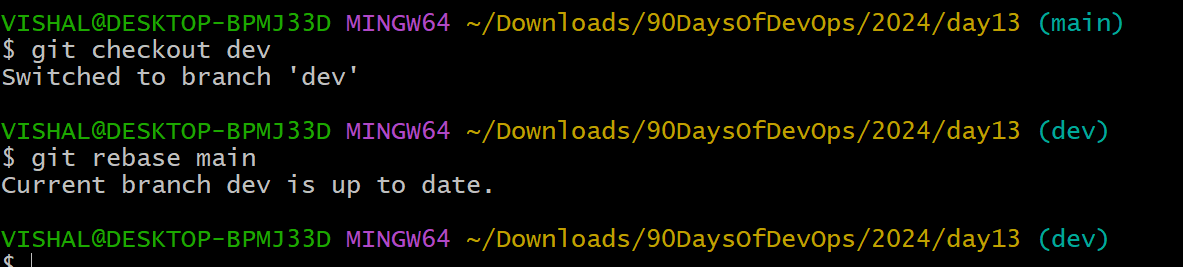
Try rebasing and observe the differences.
git rebase main