Day 16 - Task: Docker for DevOps Engineers

G
👋 Hey there! I'm Gayatri, I have completed a degree in Computer Engineering. I am extensively involved in the fields of DevOps and Cloud computing.
Use the
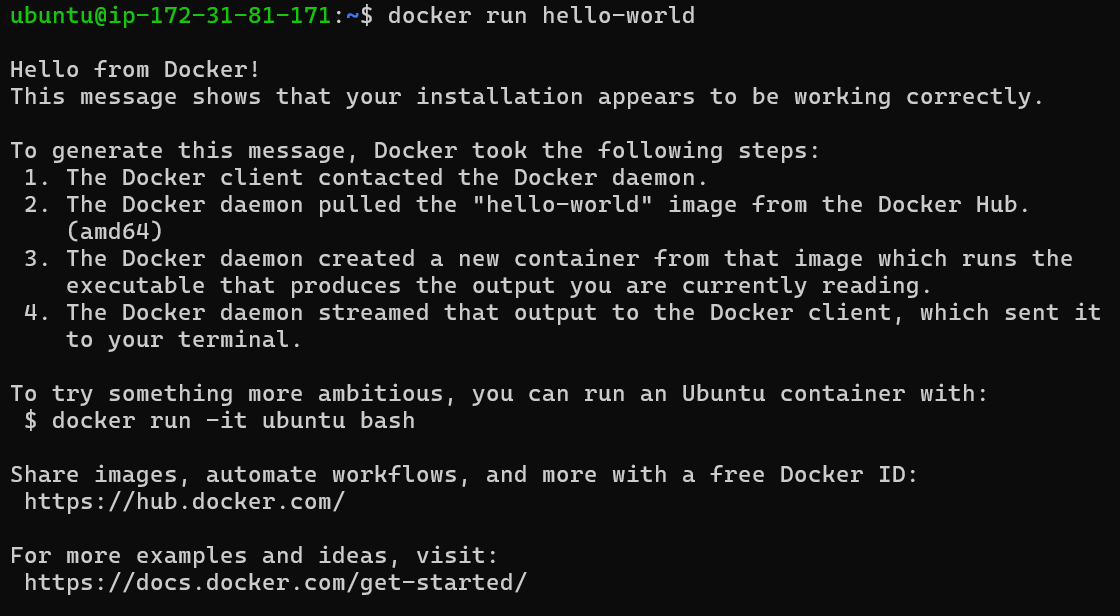
docker runcommand to start a new container and interact with it through the command line. [Hint:docker run hello-world]
Use the
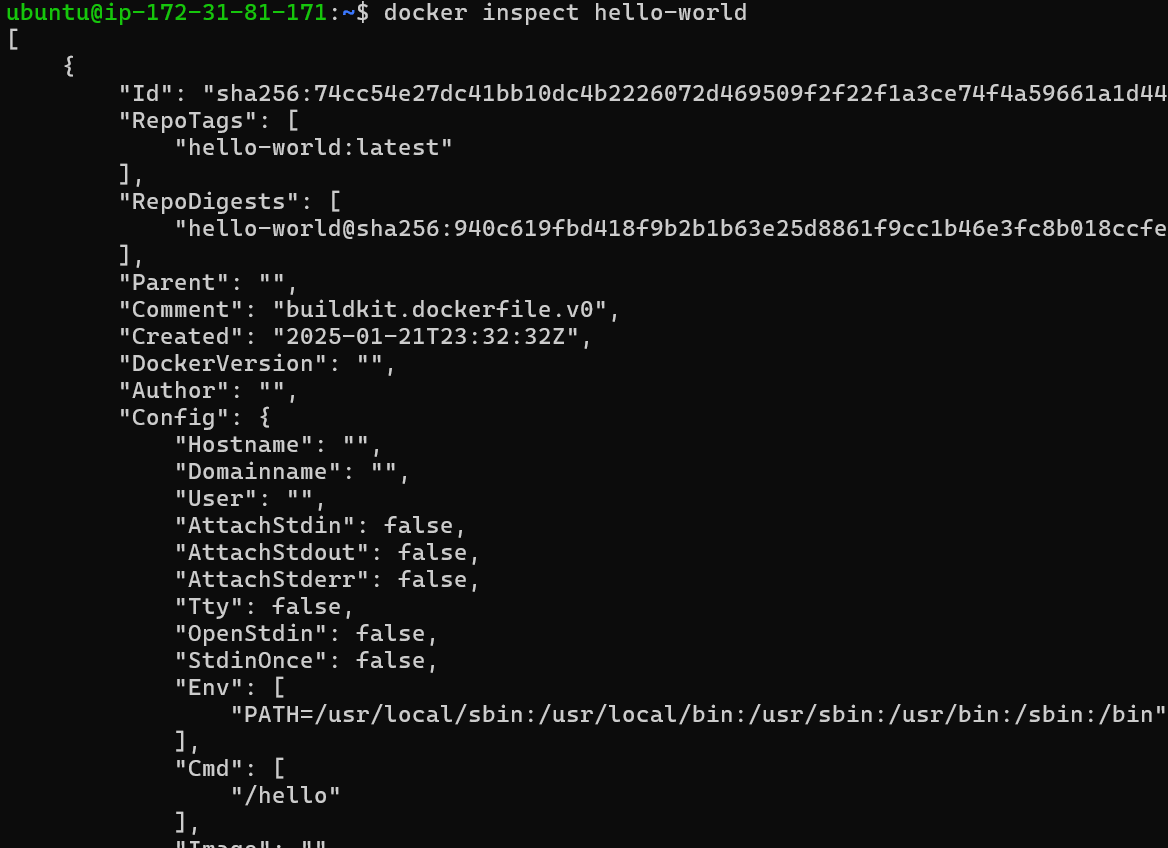
docker inspectcommand to view detailed information about a container or image.
Use the
docker portcommand to list the port mappings for a container.

Use the
docker statscommand to view resource usage statistics for one or more containers.

Use the
docker topcommand to view the processes running inside a container.

Use the
docker savecommand to save an image to a tar archive.Use the
docker loadcommand to load an image from a tar archive.

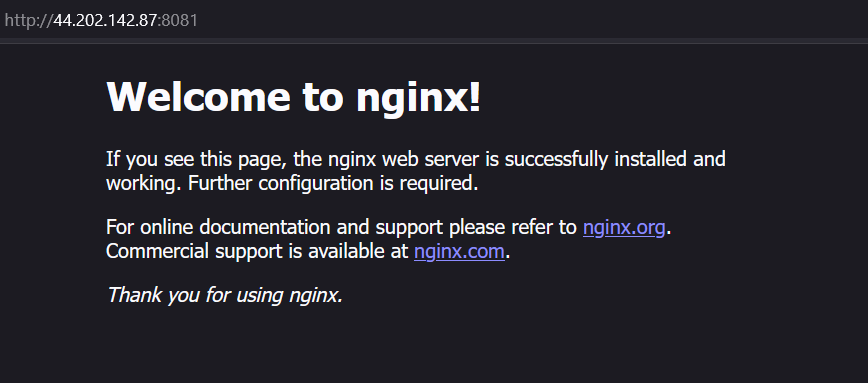
Now NGINX will be accessible at:
http://<your-ec2-public-ip>:8081