Day 5 - Advanced Linux Shell Scripting for DevOps Engineers with User Management

👋 Hey there! I'm Gayatri, I have completed a degree in Computer Engineering. I am extensively involved in the fields of DevOps and Cloud computing.
Tasks :
Create Directories Using Shell Script:
Example 1: When executed as ./createDirectories.sh day 1 90, it creates 90 directories as day1 day2 day3 ... day90.\
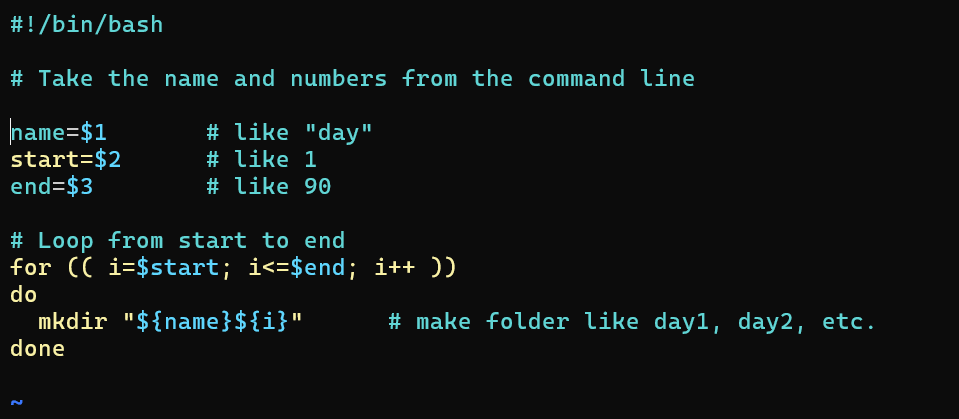
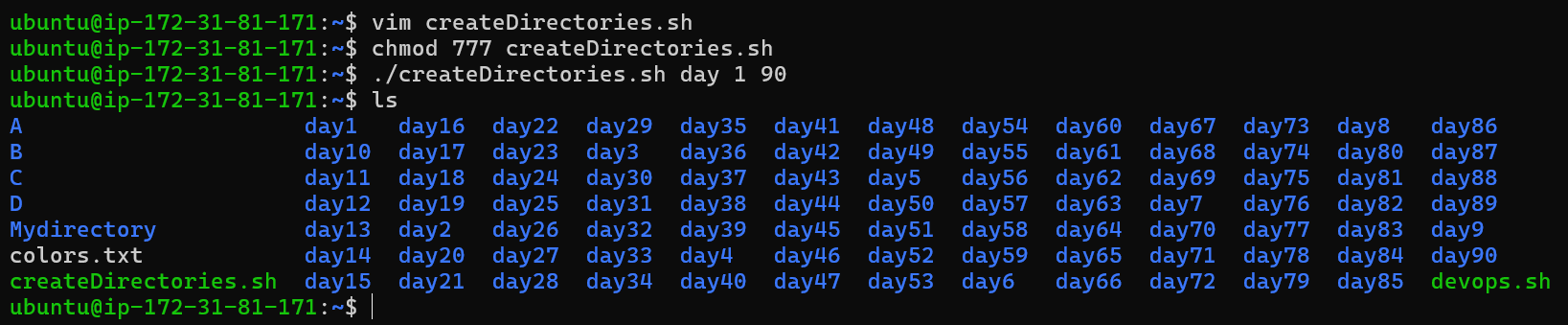
Example 2: When executed as ./createDirectories.sh Movie 20 50, it creates 31 directories as Movie20 Movie21 Movie22 ... Movie50.
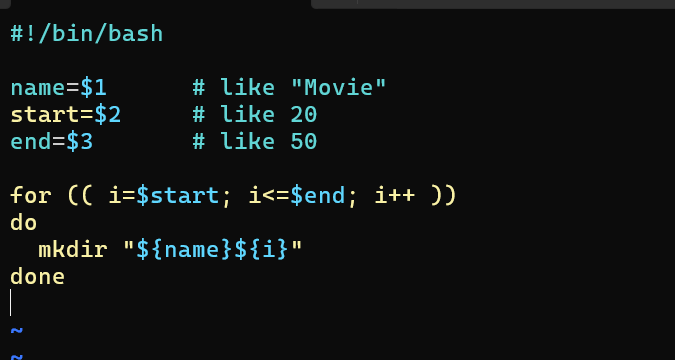

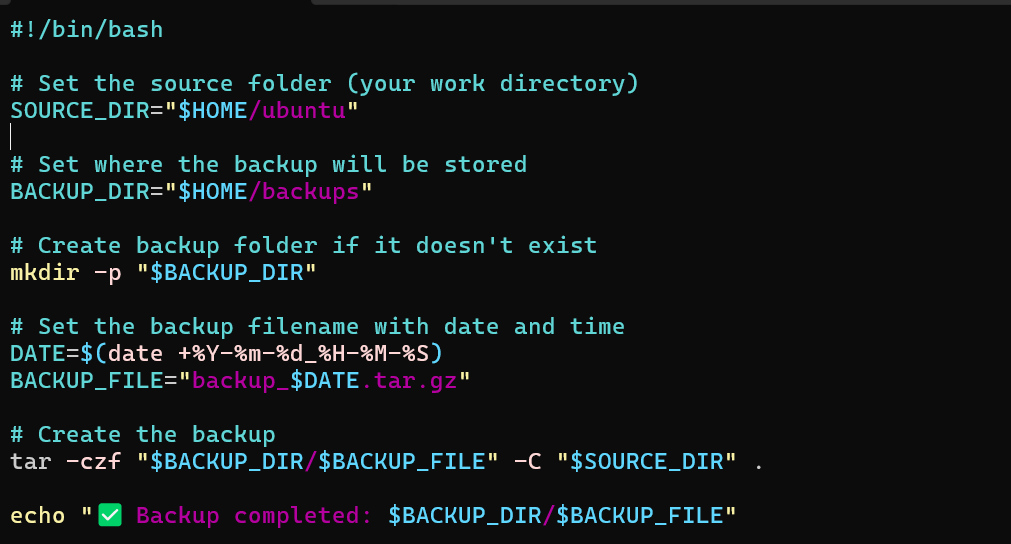
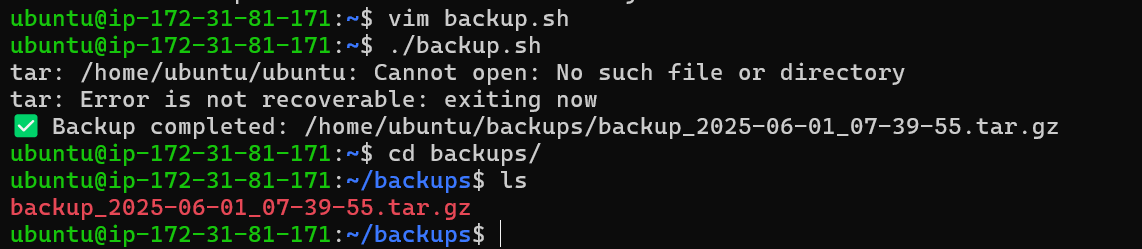
Create a Script to Backup All Your Work:
Backups are an important part of a DevOps Engineer's day-to-day activities. The video in the references will help you understand how a DevOps Engineer takes backups (it can feel a bit difficult but keep trying, nothing is impossible).
Read About Cron and Crontab to Automate the Backup Script:
cron and crontab are components in Linux that allow users to automate tasks, including backup scripts, at scheduled intervals.
cron: is a time-based job scheduler in Unix-like operating systems. It runs in the background and executes commands or scripts at predefined times without user intervention.
To access the cron configuration, you can use the following command:
crontab -e
This opens the crontab file for editing. Each line in the crontab file represents a scheduled task. The syntax for a cron job is as follows:
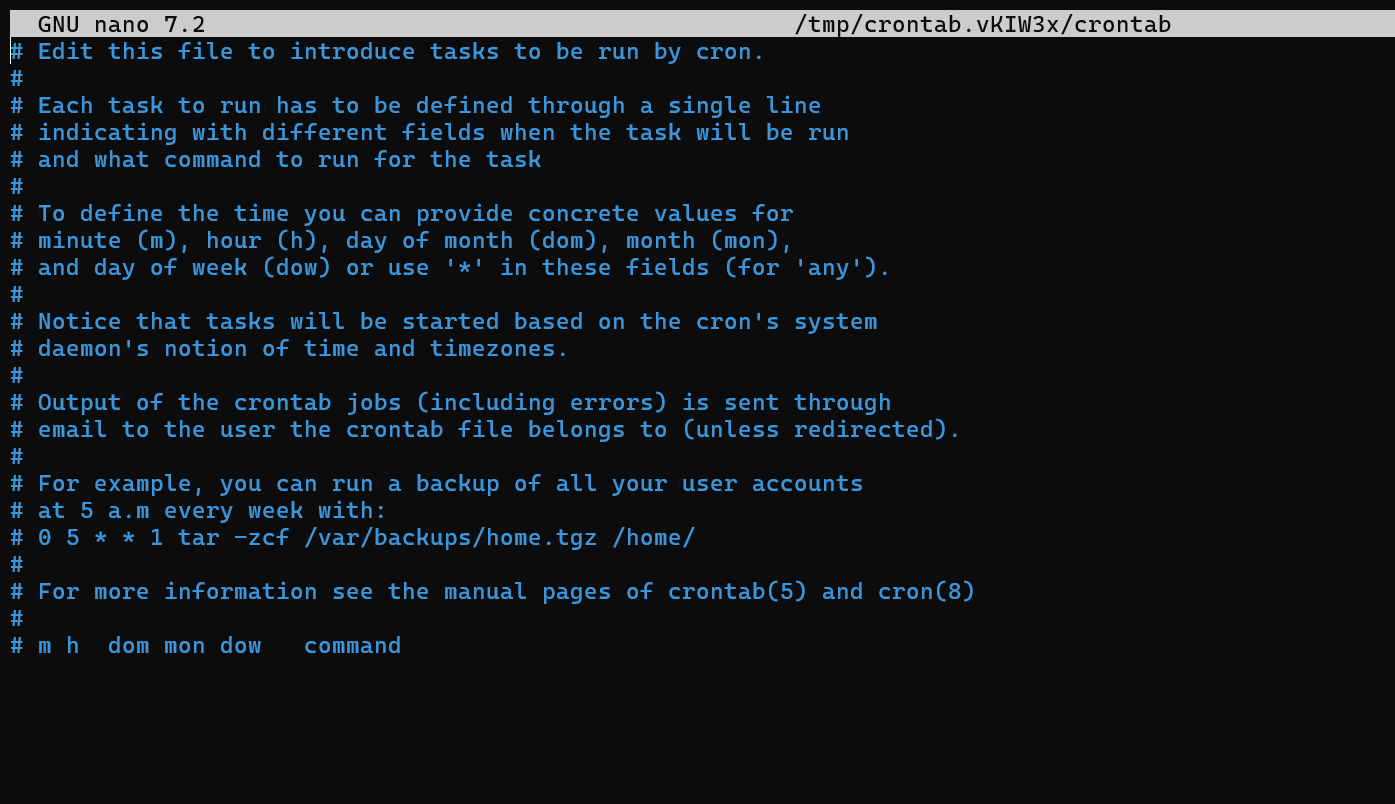
The five asterisks represent the time and date information for scheduling:
Minute (0 - 59)
Hour (0 - 23)
Day of month (1 - 31)
Month (1 - 12)
Day of week (0 - 6, where 0 is Sunday)
For example, the following cron job runs a backup script every 2 Minutes:
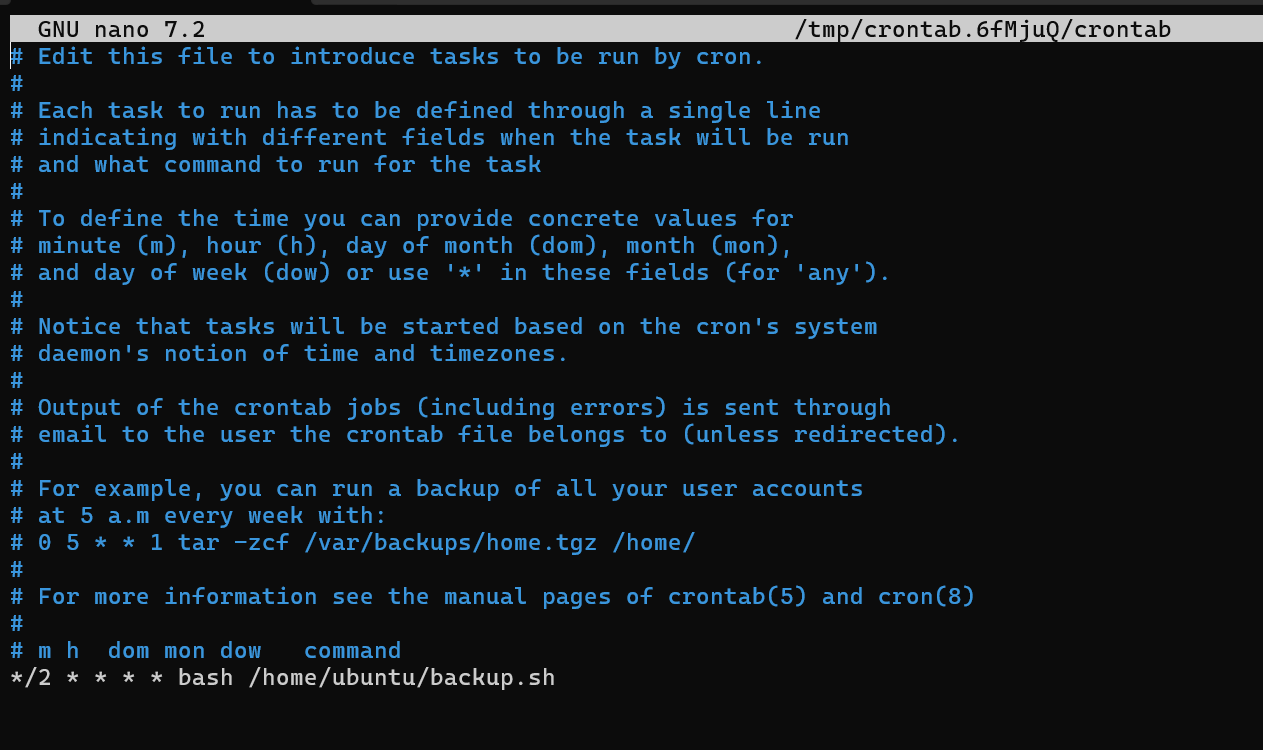
After saving the crontab file, this backup script will automatically execute at the specified time.

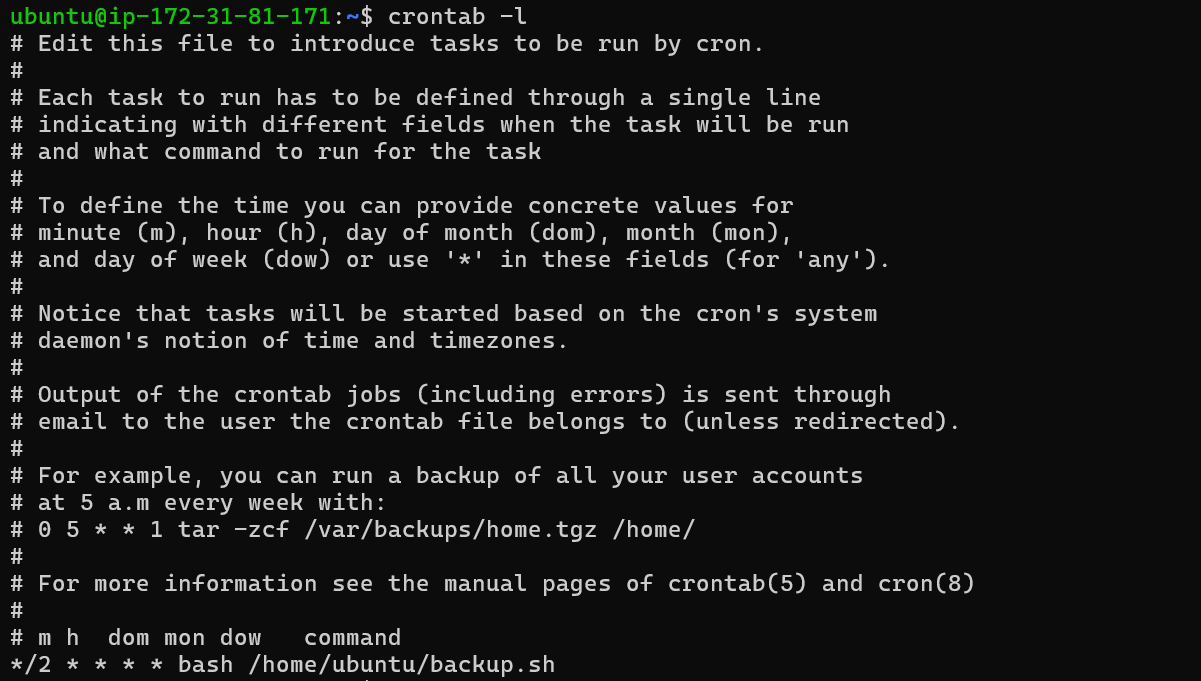
Shows all the cron jobs (scheduled tasks) that are set using the crontab for the current user.
crontab -l
Read About User Management:
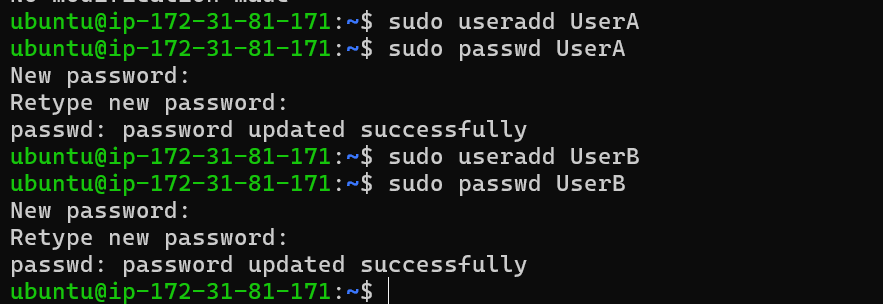
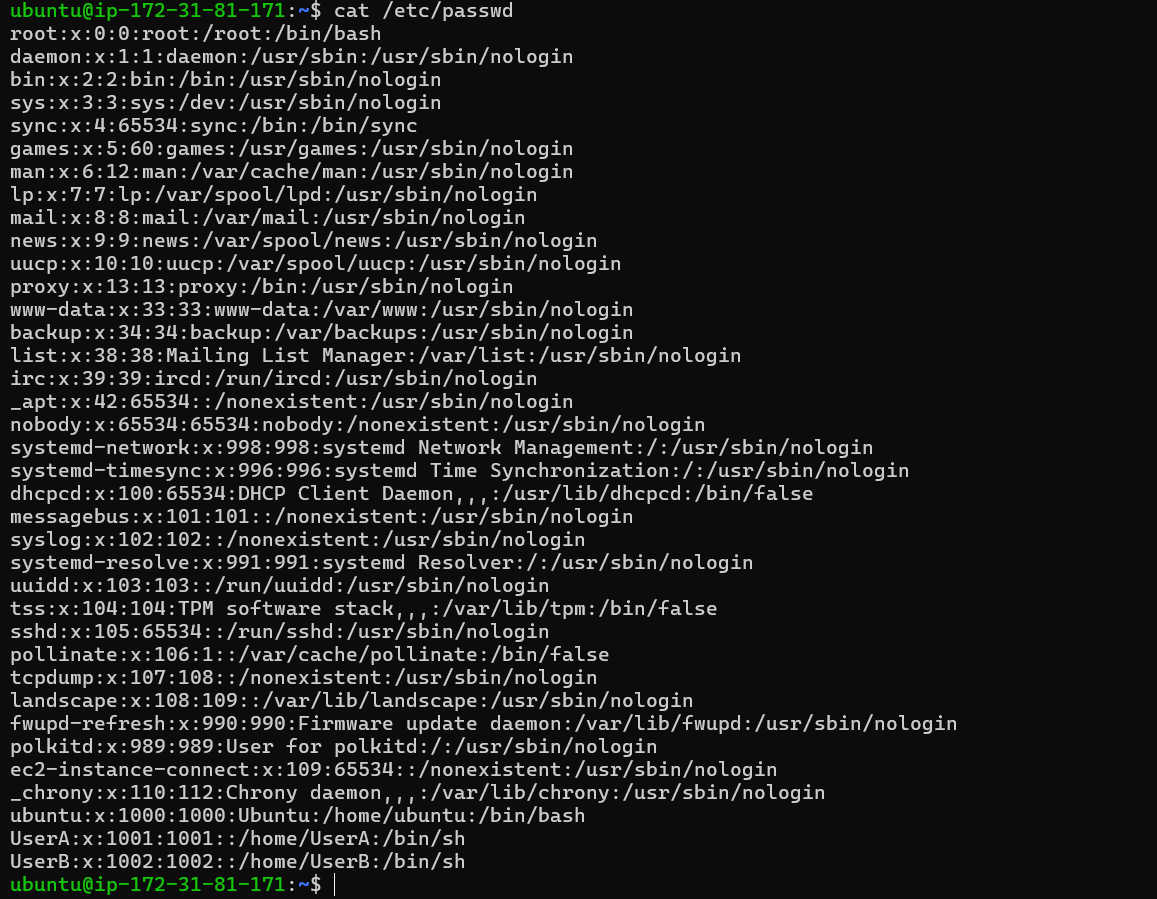
Adding 2 users :-
Thank you for reading :)


