Day 8 - Task: Shell Scripting Challenge

👋 Hey there! I'm Gayatri, I have completed a degree in Computer Engineering. I am extensively involved in the fields of DevOps and Cloud computing.
Task 1: Comments
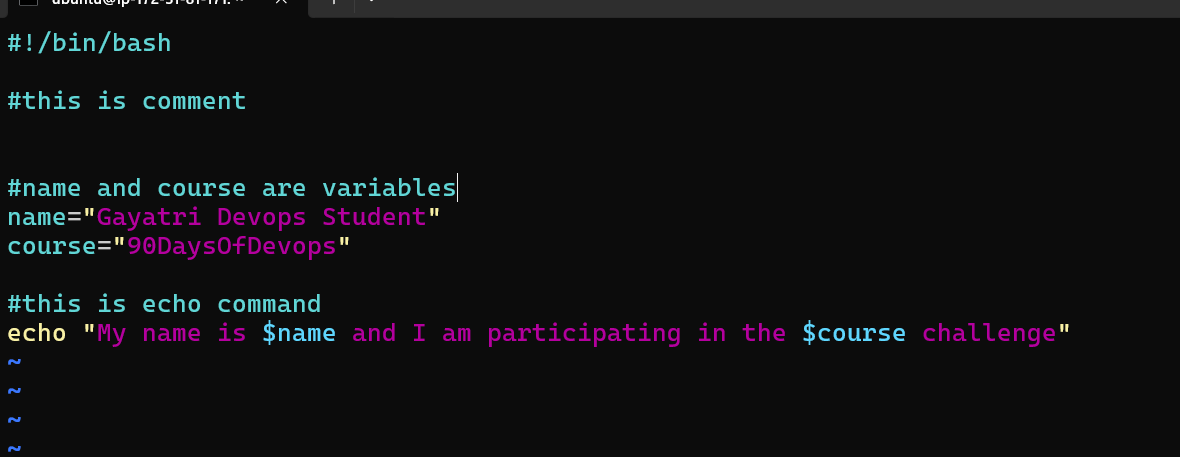
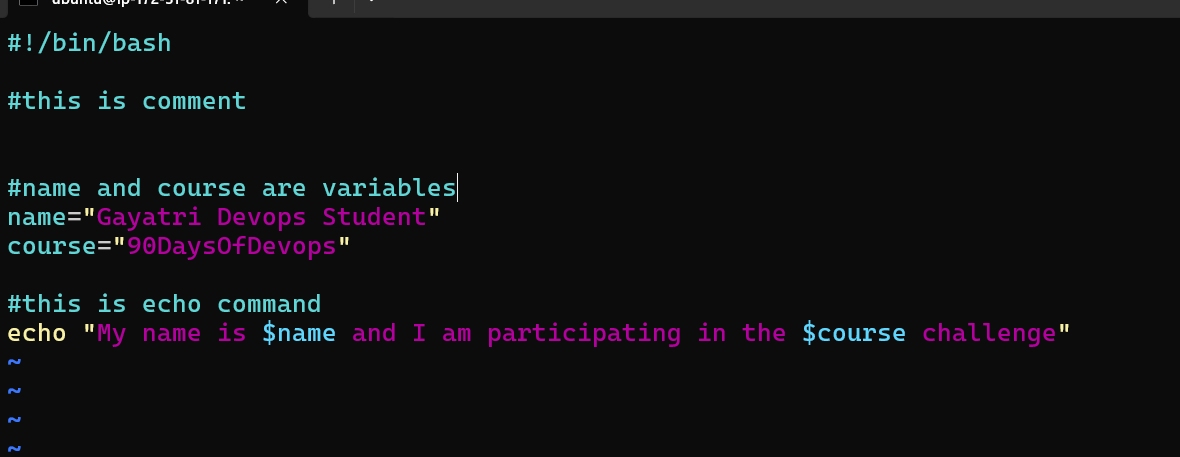
In bash scripts, comments are used to add explanatory notes or disable certain lines of code. Your task is to create a bash script with comments explaining what the script does.
Task 2: Echo
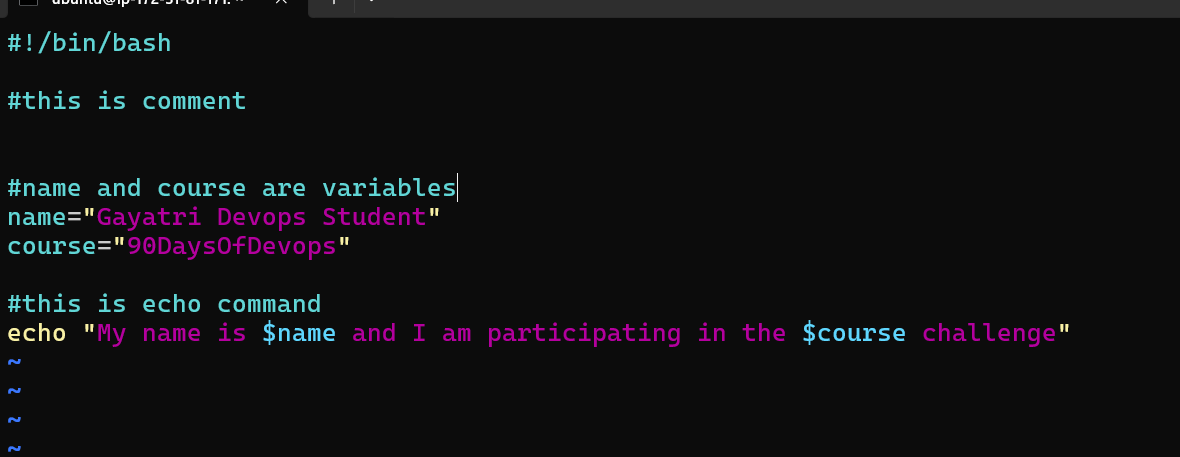
The echo command is used to display messages on the terminal. Your task is to create a bash script that uses echo to print a message of your choice.
Task 3: Variables
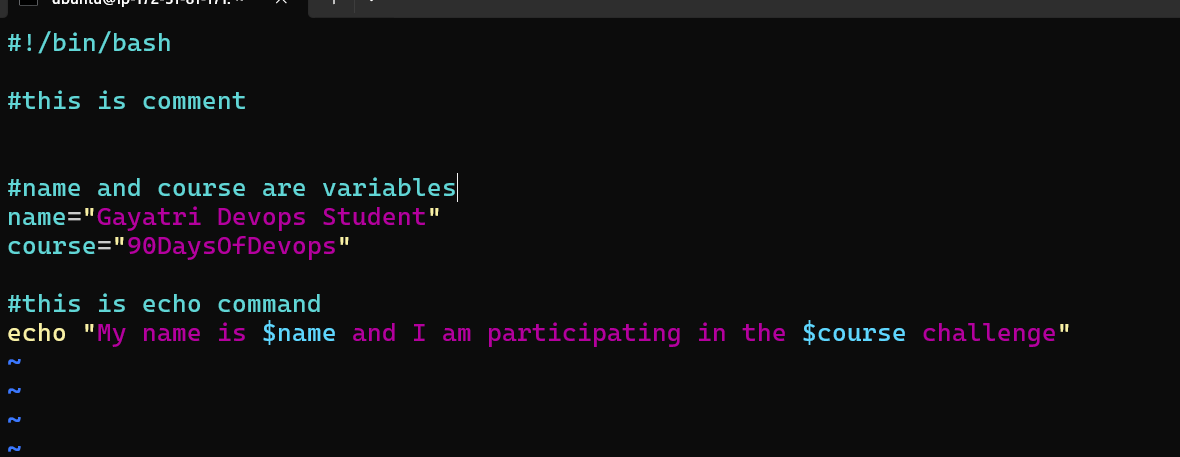
Variables in bash are used to store data and can be referenced by their name. Your task is to create a bash script that declares variables and assigns values to them.
Task 4: Using Variables
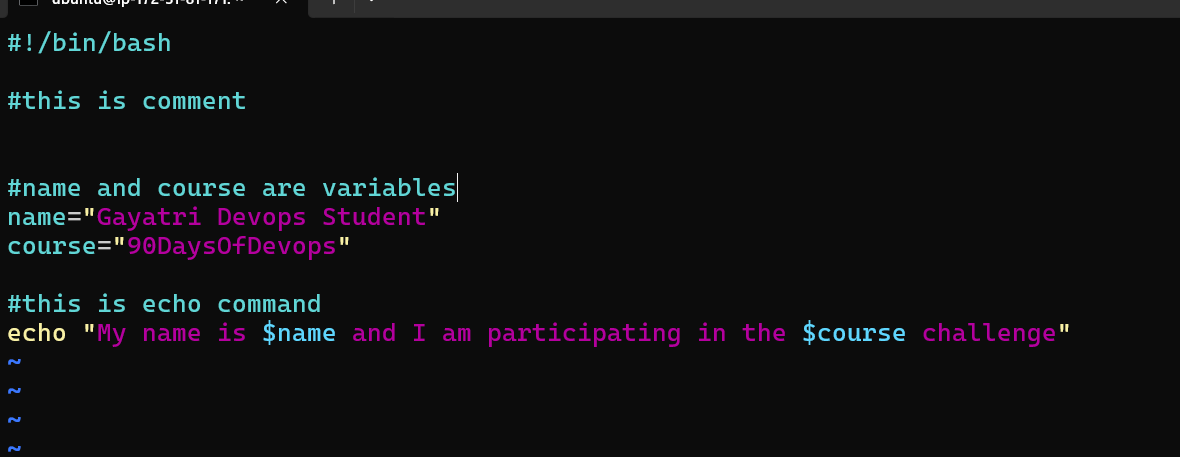
Now that you have declared variables, let's use them to perform a simple task. Create a bash script that takes two variables (numbers) as input and prints their sum using those variables.

Task 5: Using Built-in Variables
Bash provides several built-in variables that hold useful information. Your task is to create a bash script that utilizes at least three different built-in variables to display relevant information.
Task 6: Wildcards
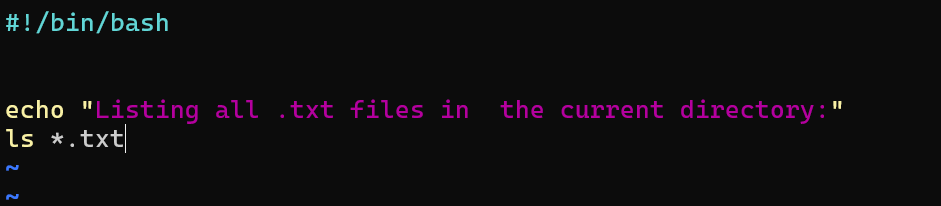
Wildcards are special characters used to perform pattern matching when working with files. Your task is to create a bash script that utilizes wildcards to list all the files with a specific extension in a directory.

📚 Happy Learning :)😊


